- Log in to your agent dashboard (MyRealtyConnect.com)
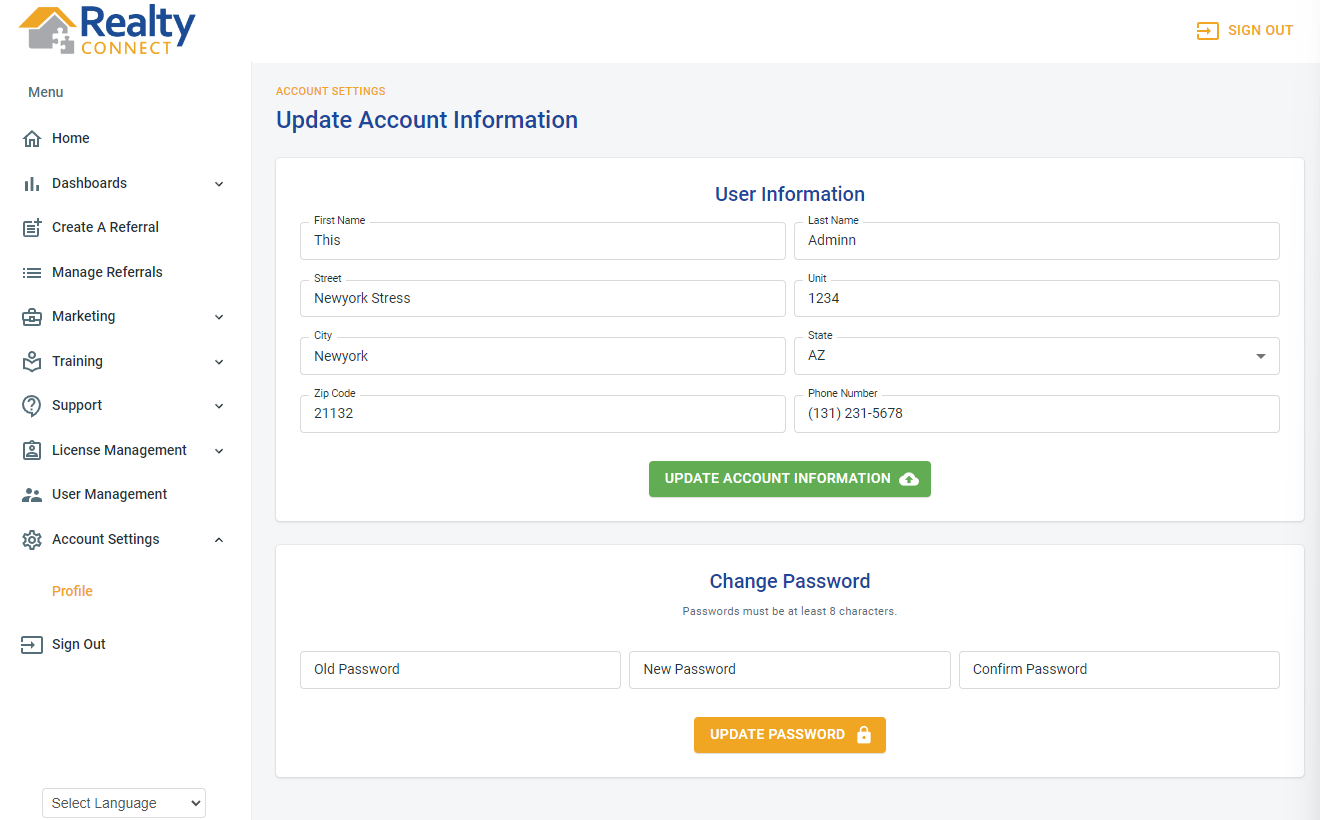
- Click on "Account Settings"
- Click on "Profile" on the far left-hand side of the screen.
- Edit the User Information
- Click "Update Account Information"
Was this article helpful?
That’s Great!
Thank you for your feedback
Sorry! We couldn't be helpful
Thank you for your feedback
Feedback sent
We appreciate your effort and will try to fix the article