- Login to your Agent Dashboard
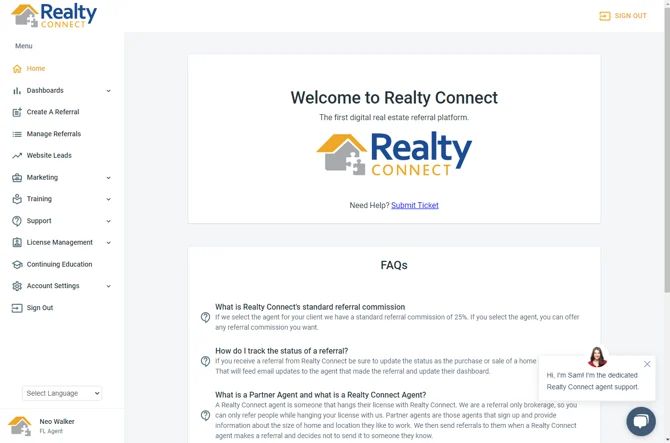
- Select "Create a Referral"
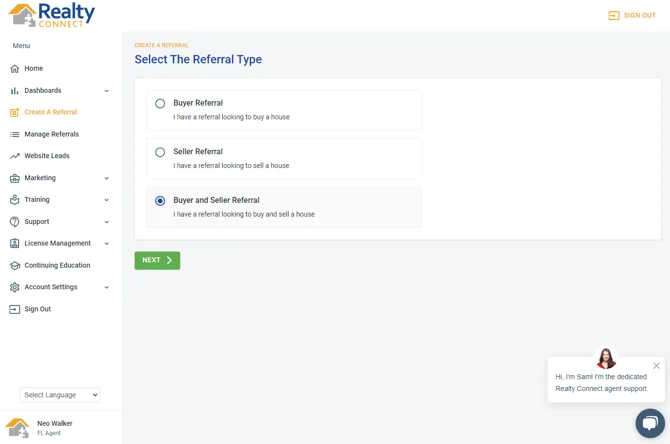
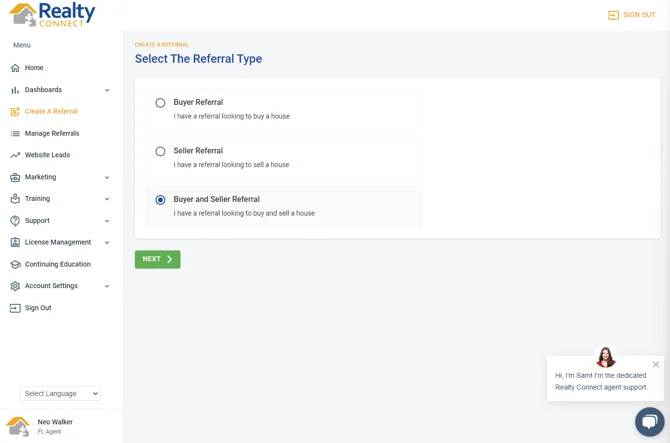
- Choose "Buyer Referral", "Seller Referral", or "Buyer and Seller Referral"
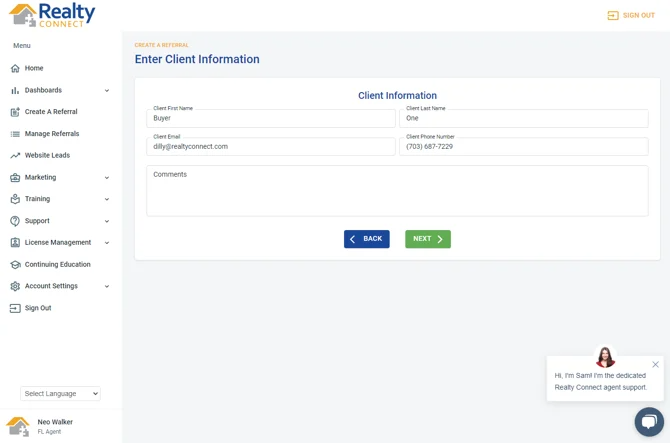
- Enter client information
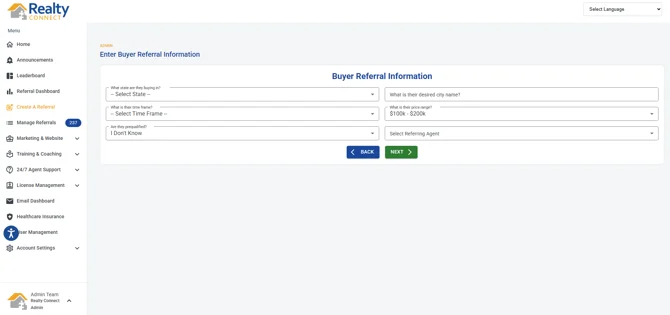
- Enter Buyer/Seller Referral Information
- Select "Submit to Network" and click on the checkbox below
- Hit "Submit" and review your referral information
- Complete the referral submission
Was this article helpful?
That’s Great!
Thank you for your feedback
Sorry! We couldn't be helpful
Thank you for your feedback
Feedback sent
We appreciate your effort and will try to fix the article